
Steam Deck compatibility: the checks that matter
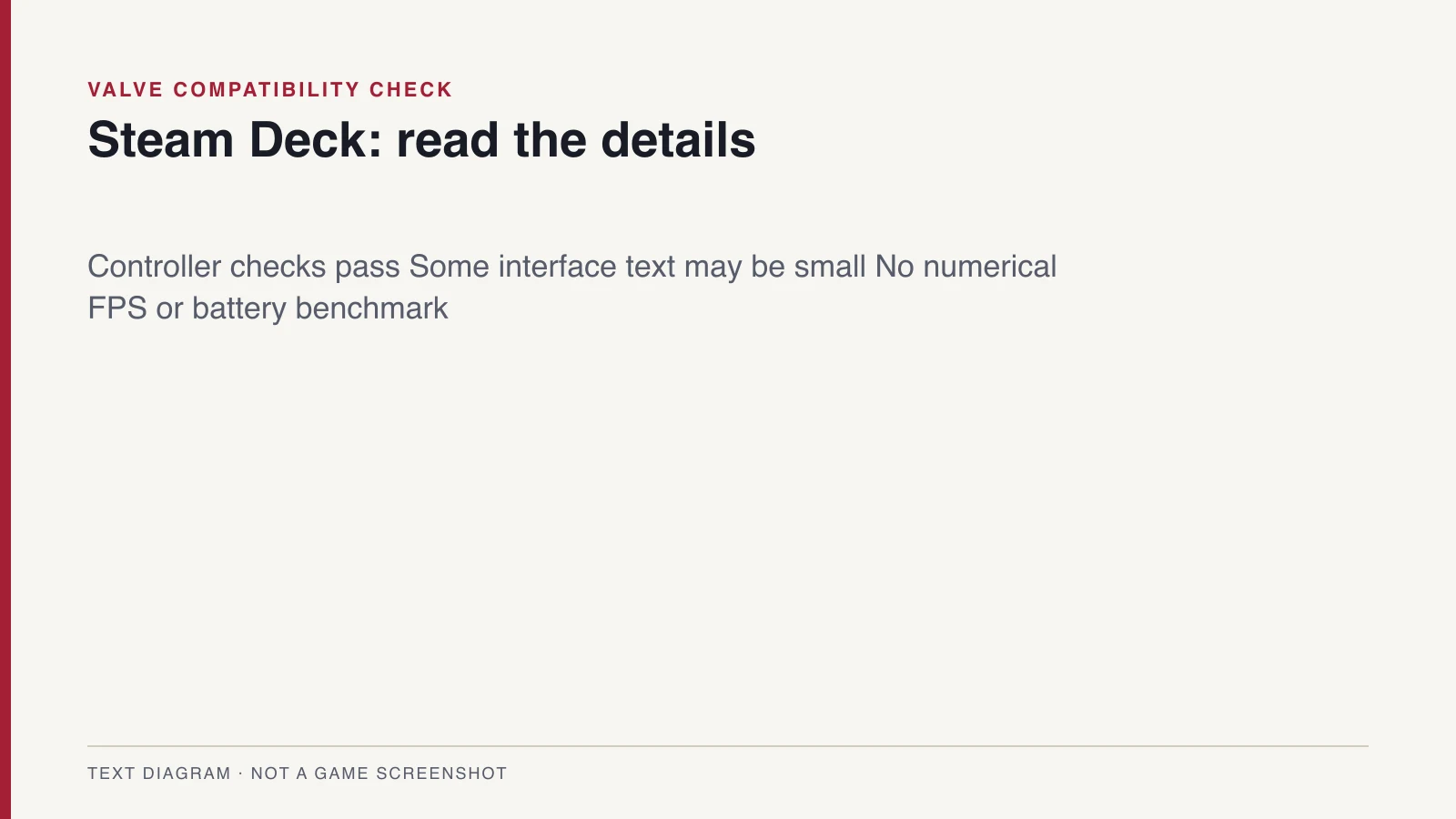
Start with the compatibility details linked from the Steam product listing for app 4231820. Valve's report identifies a text-legibility warning and three passing checks. Read the individual findings rather than assuming a Windows release automatically works well on a handheld.
The default controller configuration is reported as functional, and the displayed controller icons match the Deck device. The report also passes its default-configuration performance check. That is useful compatibility evidence, but it does not state a numerical frame-rate target for every area of the game.
Small text is the warning to check first
The warning concerns interface text that may be difficult to read on the handheld screen. It is especially relevant if you play away from a monitor or need larger text. Check menus, equipment descriptions and dialogue early to decide whether the presentation is comfortable for you.
Valve treats display readability as one part of its compatibility review alongside input and system support. A successful controller check therefore does not remove a display warning. Use the current store details for your purchase decision because ratings can change as the game and SteamOS receive updates.
Settings, frame rate and battery life
The checked report does not publish a frame-rate measurement, graphics preset comparison or battery-life test. It therefore cannot justify a claim of locked 60fps or a particular number of hours per charge. The desktop specification on our Steam page answers a different hardware question.
Begin with the default configuration that Valve evaluated before making changes. If you encounter a problem, record your SteamOS version, game version and the area where it happens. Those details make a comparison more useful than copying an unexplained preset from another machine.
Windows requirements and SteamOS compatibility
Steam's product data lists Windows support and does not list native Linux or macOS support. That does not by itself settle Steam Deck compatibility. Valve's review program separately considers games running through Proton on SteamOS.
Keep these two sources separate when comparing hardware. The Windows requirements describe the publisher's desktop configuration, while the Deck report describes handheld compatibility checks. Neither source establishes that installing Windows on your Deck will improve this game's performance.
Before buying or downloading
Open the Steam store entry on your own account and read the current compatibility details. Confirm the interface is readable for your needs, then check the available storage and regional product details. If you try the demo, treat what you observe as evidence for that build rather than proof about every retail area.
For progress-transfer conditions, read the demo save guide. For a Nintendo handheld comparison, use the Switch 2 guide. For campaign planning, the how long to beat guide distinguishes reviewer playtimes from the developer estimate.
Frequently asked questions
- Does Belmont's Curse work on Steam Deck?
- Valve's checked report passes default controller, icon and default-configuration performance checks, with a warning that some interface text is difficult to read. Check the current Steam details before buying.
- Does it run at 60fps on Steam Deck?
- The compatibility report does not provide a numerical frame-rate measurement. This guide has no independent benchmark supporting a locked 60fps claim.
Sources and research date
This article uses the material retained in the October 15, 2026 research. Official descriptions, developer statements, and hands-on observations are identified in the section references. Details are scoped to those sources and are not a claim of independently completed retail testing.
- Valve Steam Deck compatibility report, checked October 15, 2026 ↗
- Valve: Steam Deck compatibility categories and review criteria ↗
- Steam official product data and PC requirements ↗
 PlatformsSteam & PC
 PlatformsSwitch 2 Compatibility
 GuidesDemo Save Transfer
 GuidesHow Long To Beat