
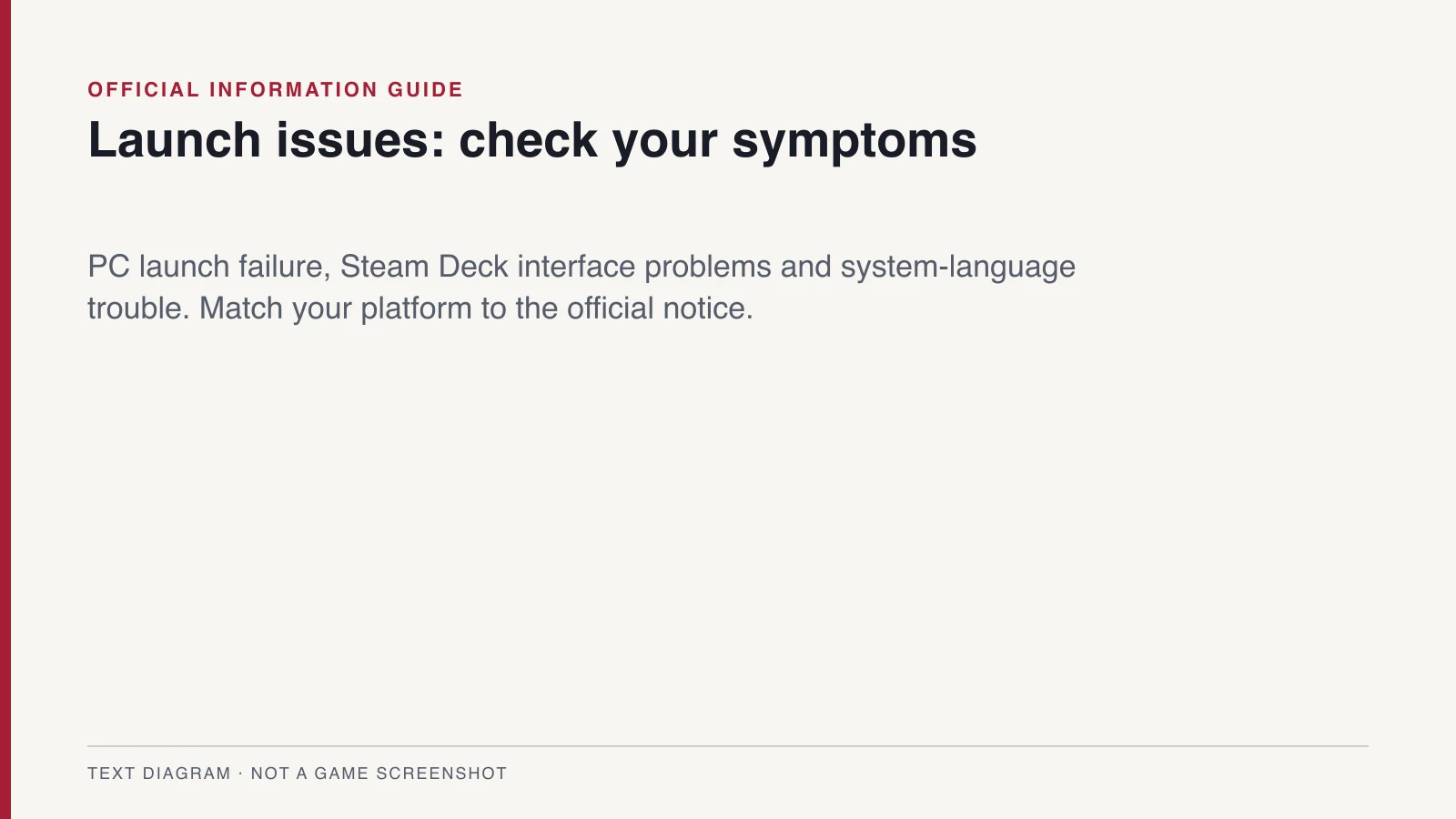
PC: launch failure with V-Sync off
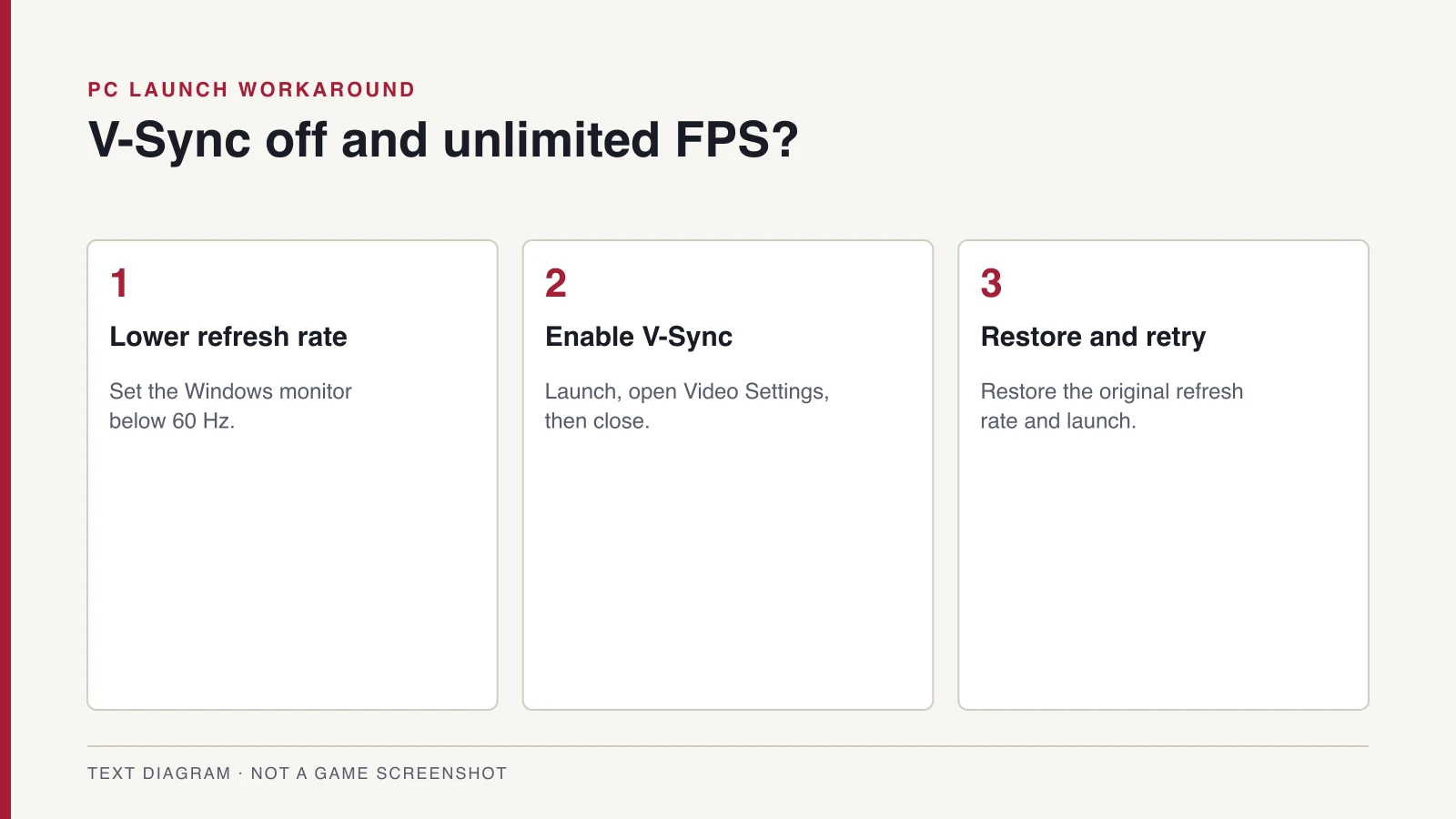
KONAMI links this failure to V-Sync being disabled with an unlimited FPS setting. The notice applies to Steam and Xbox on PC. It provides the following temporary workaround.
- Set your Windows monitor refresh rate to below 60 Hz.
- Start the game and open Settings from the title screen.
- Enable V-Sync in Video Settings, then close the game.
- Restore your monitor’s original refresh rate.
- Try launching the game again.
Steam Deck: interface partly off-screen
Some Steam Deck interface elements can appear partly off-screen. KONAMI says a fix is under investigation. The notice gives no workaround for this issue.
Cannot continue past the title screen
The notice describes a problem after saving and returning to the title page. Certain system languages, mainly Arabic, can trigger it on PS5, Xbox Series X|S, Steam and Xbox on PC. KONAMI advises changing the system language to a supported option such as English to continue the existing save.
Check the current notice and contact support
This guide reflects the October 14 notice. It does not establish that a patch has shipped. Check the linked publisher notice for subsequent updates.
If launch failure continues, use KONAMI’s support link. Record your platform, symptom and settings to explain what happened. Keep your existing save while seeking support.
Sources and research date
This article uses the material retained in the October 14, 2026 research. Official descriptions, developer statements, and hands-on observations are identified in the section references. Details are scoped to those sources and are not a claim of independently completed retail testing.
Suggest a correction → PlatformsSteam & PC
 PlatformsPS5 Version
 ReleaseRelease Date
 GuidesDemo Save Transfer